
Invoicing
How to Track Invoices for a Small Business in Canada
A practical invoice-tracking workflow from draft to payment, including due dates, partial payments, reminders and recordkeeping links.
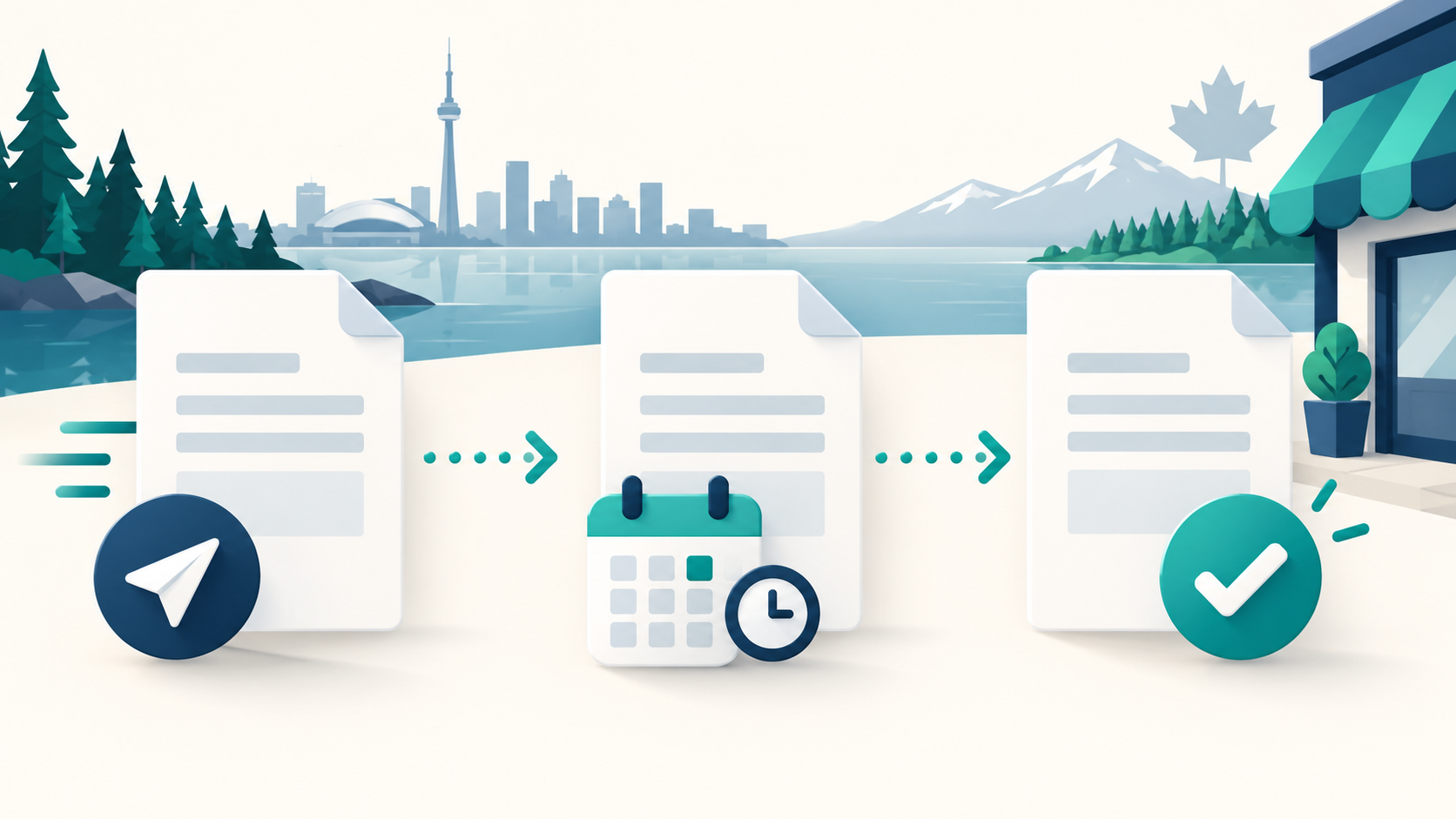
Invoice tracking works best when every invoice has a clear identity, current status and payment history. A spreadsheet can work at first, but the underlying workflow should remain the same as volume grows.
Give every invoice a unique reference
Use a consistent numbering system and never reuse a number for a different invoice. Record the client, issue date, due date, currency, line items, tax details where applicable and total amount.
Keep the client-facing document connected to the internal record. If an invoice is corrected, preserve the history instead of silently replacing the old facts.
Use meaningful statuses
A simple lifecycle might include:
- draft;
- sent;
- viewed, if reliably available;
- partially paid;
- paid;
- overdue;
- voided; and
- written off only after an authorized decision.
Status should reflect real activity. Sending a reminder does not mean an invoice was paid, and importing a bank deposit should not automatically close an invoice unless the payment is matched correctly.
Track due dates and follow-up
Review open invoices at least weekly. Sort by due date and amount, then record each reminder or client response. Professional follow-up is easier when you can see what was sent and when.
For recurring work, a reusable schedule can reduce missed invoices, but each generated invoice should still have its own reference, dates and lifecycle.
Record payments carefully
When payment arrives, record:
- payment date;
- amount;
- method or reference;
- invoice allocation; and
- any remaining balance.
Partial payments should reduce the outstanding balance without marking the invoice fully paid. Retry-safe processing matters: the same payment confirmation should not create two income records.
Connect paid invoices to income records
An operational invoice and a revenue record serve related purposes. If your workflow adds paid invoices to income, require a review step, preserve the invoice link and warn about possible duplicates.
Do not count the same receipt of money once from the invoice and again from a separate manual income entry.
Monthly invoice checklist
Confirm that:
1. Drafts that should have been sent are addressed.
2. Due dates are accurate.
3. Overdue invoices have a documented next action.
4. Partial payments are allocated correctly.
5. Paid invoices connect to the appropriate income record.
6. Voided invoices remain excluded from active totals but retain history.
7. Client documents contain no unrelated private information.
SilaTrail helps create, send and track invoices and keeps approval visible when paid invoices may affect income totals. It does not collect payment inside the invoice record or make collection decisions for you.
Your invoicing obligations can vary by province, tax registration and business structure. Confirm required invoice details with the CRA and your professional adviser.
Continue the workflow
- Explore SilaTrail’s customer invoicing.
- Learn about recurring customer invoices.
- Use professional unpaid-invoice follow-up when a due date passes.