
Invoicing
Recurring Invoices for Canadian Small Businesses: A Practical Guide
Learn when recurring invoices make sense, what every schedule should contain and how to prevent duplicate or outdated billing.
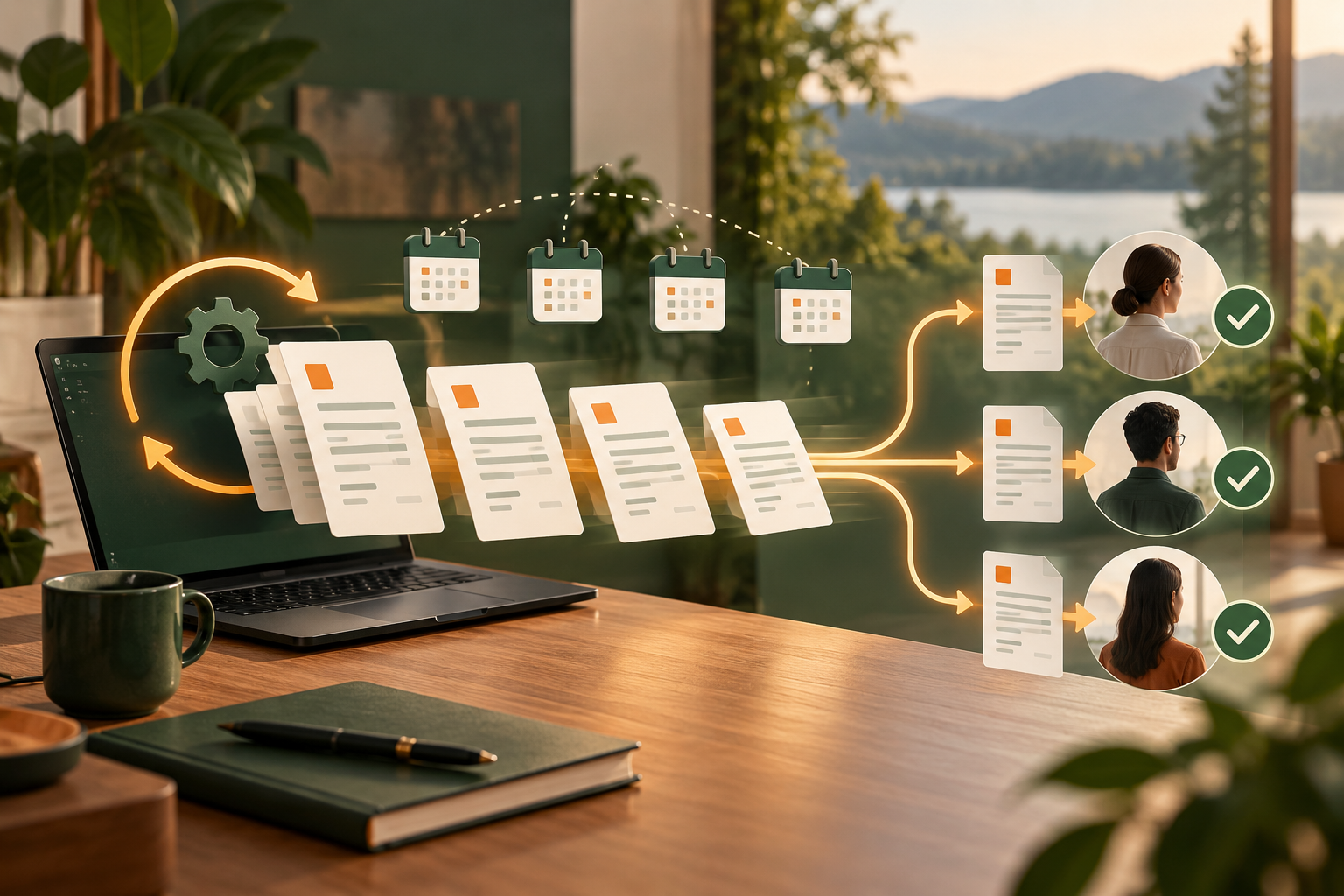
Recurring invoices can remove repetitive administration from predictable customer relationships. They can also repeat an error every month when a schedule lacks clear terms and regular review.
The safest goal is not “set it and forget it.” It is “set it, verify it and keep it observable.”
When recurring invoicing works
Recurring invoices are useful for:
- monthly consulting retainers;
- maintenance agreements;
- recurring memberships;
- scheduled property services;
- fixed hosting or support packages; and
- other documented repeat arrangements.
A recurring schedule may be unsuitable when price, quantity, scope or delivery changes frequently.
Confirm the agreement first
Confirm:
- issuing business;
- customer identity and email;
- service description;
- amount and currency;
- applicable taxes;
- billing frequency;
- start date;
- end date or cancellation terms;
- payment terms; and
- whether the customer expects an invoice, an automatic charge or both.
An invoice is not the same as automatically charging a card. Keep invoicing and payment authorization distinct.
What the schedule should store
A strong schedule should retain:
- customer;
- business;
- line items;
- frequency;
- next issue date;
- timezone;
- payment terms;
- delivery preference;
- active, paused or ended status; and
- generated-invoice history.
A generated invoice should remain a historical record. Editing the schedule later should not silently rewrite invoices already issued.
Prevent duplicates
Automation must be retry-safe. A network retry should not produce two invoices for the same occurrence.
Look for:
- one occurrence identifier per period;
- database-level duplicate prevention;
- generation and delivery records;
- safe retry behaviour;
- visible failures; and
- a manual resolution path.
Do not rely on a browser being open at the correct time. Server-side scheduling is more dependable.
Review business identity and taxes
The issuing business should be clearly visible. SilaTrail places the business identity first on public, printed, downloaded and emailed invoice output, with SilaTrail as secondary platform attribution.
Software can display configured tax information, but the business remains responsible for using the correct registration details and treatment.
Build a customer-friendly reminder sequence
A practical sequence may include:
1. invoice issued;
2. friendly reminder around the due date;
3. overdue reminder after a defined interval;
4. internal task for unresolved accounts; and
5. manual escalation when judgment is required.
Record what was sent and stop automated reminders when an invoice is paid, voided or disputed.
Review schedules monthly
Check for ended contracts, changed prices, outdated emails, paused services, generation failures, delivery failures, unpaid invoices and schedules assigned to the wrong business.
Recurring invoice checklist
- Written agreement exists.
- Issuing business is correct.
- Customer details are current.
- Amount, currency and taxes are reviewed.
- Frequency and timezone are correct.
- Start and end rules are documented.
- Duplicate protection is enabled.
- Delivery history is visible.
- Schedule can be paused safely.
- Issued invoices remain historically accurate.
SilaTrail supports recurring customer invoices, delivery records and reminders. It does not replace the customer agreement or professional tax judgment.