
Receipts and evidence
How to Match Email Receipts to Recorded Expenses
Turn emailed confirmations into useful supporting evidence without creating duplicate expenses or losing the original message.
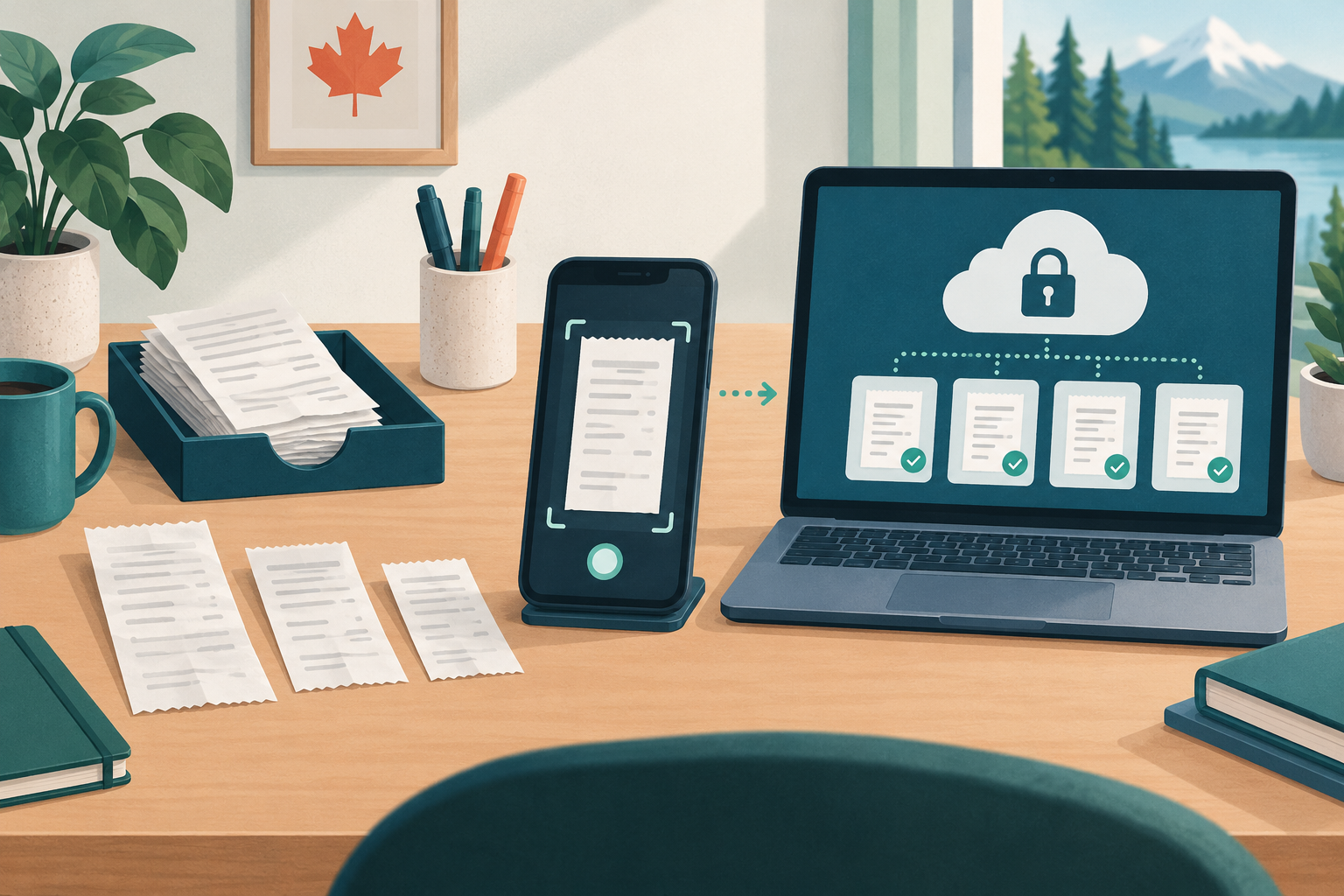
Match an email receipt to an expense by comparing transaction facts before creating anything new. An order email, card transaction and recorded expense can all describe the same purchase; they should usually be connected, not counted separately.
Preserve the useful source
Download the original PDF when one exists. If the message itself contains the receipt, retain the email or export it in a readable format. Avoid relying only on an inbox search or a temporary “view receipt” link.
Check that the evidence shows the supplier, date, items, amount, taxes and currency. Attachments and message content may each hold part of the story.
Use a five-point match
Compare:
1. supplier or payment descriptor;
2. transaction date and any settlement-date difference;
3. total and currency;
4. payment method; and
5. the Business purpose.
A single matching amount is not enough when several purchases have the same total. If the email date differs from the card posting date, preserve both dates rather than changing one to hide the difference.
Search before you create
Before recording a new expense, search existing records for the supplier, amount and nearby dates. If the expense already exists, attach the email receipt to it. If no record exists and the purchase belongs to the selected Business, create one from the verified source.
If the receipt belongs to another Business, switch workspaces before saving. Never copy the same expense into two Businesses simply because both use the supplier.
Keep privacy in mind
Forward or upload only what supports the purchase. Remove unrelated email-chain content where you can do so without altering the receipt itself. Do not place login links, one-time codes or personal correspondence into an expense attachment.
SilaTrail’s receipt-capture workflow and expense records help keep the document and transaction together.
Frequently asked questions
What if the email total and card charge differ?
Check currency conversion, tips, credits, shipping or split charges. Keep both sources and flag the difference if it cannot be explained.
Should I keep the full email thread?
Keep the part needed to support the transaction. A complete supplier receipt is more useful than unrelated conversation.
What about subscription receipts?
Match each billed period to the correct expense. Do not attach one confirmation to several charges unless it actually documents them.
Official guidance
The CRA includes emails and correspondence among records that can support transactions. See what records are and Electronic Record Keeping.
Matching establishes a record trail; it does not decide tax treatment.