
Banking and reconciliation
How to Identify Duplicate Transactions During Reconciliation
Compare bank rows, imported records and existing expenses so one financial event is not counted twice.
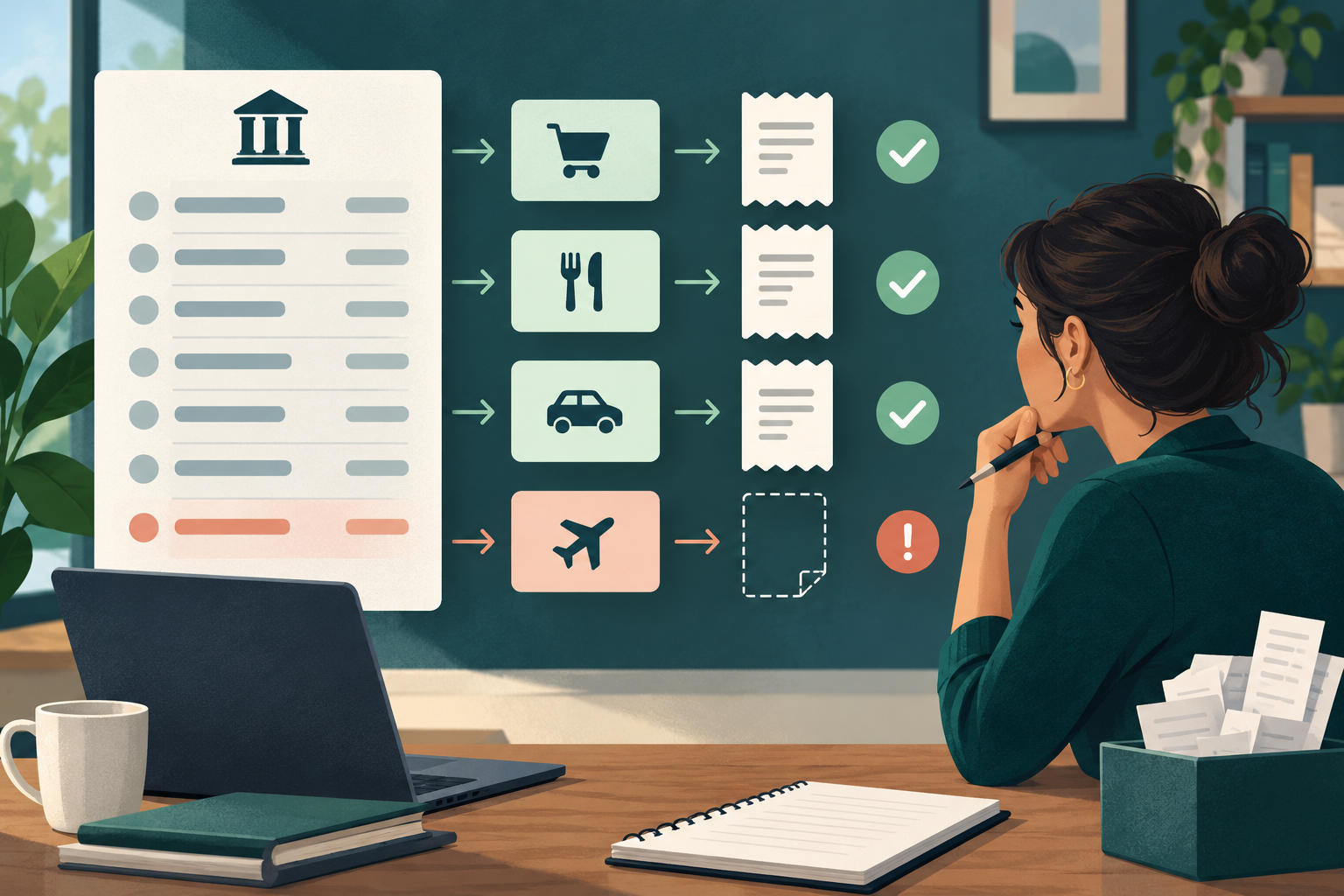
Duplicate transactions can overstate expenses, income or owner balances. The safest reconciliation process detects possible duplicates without deleting records until the evidence confirms what happened.
Two similar-looking lines are not automatically duplicates. Recurring charges, split payments and identical daily sales can be legitimate.
Compare the strongest matching fields
Review possible duplicates using:
- Business and account;
- transaction date and posting date;
- amount and currency;
- supplier or customer;
- bank reference or last identifying characters;
- linked receipt, invoice or payment;
- who created or imported the record.
The more fields that agree, the stronger the duplicate signal. A matching amount alone is not enough.
Look for common duplicate patterns
Duplicates often arise when:
1. a manually entered expense is imported from a statement;
2. an invoice payment is also recorded as standalone income;
3. the same statement file is imported twice;
4. two team members record the same receipt;
5. an offline record syncs after a replacement was entered;
6. a bank retry or pending authorization resembles a final charge.
Use bank statement matching to connect an imported line to an existing record instead of creating another one.
Check the source documents
Open both records and their attachments. Confirm whether they point to the same receipt, invoice, payment confirmation or bank reference. If the documents are different, the transactions may both be valid.
A card statement may show a pending authorization and a final posted transaction. Confirm the statement outcome before removing either record.
Correct without losing history
When a true duplicate is confirmed, preserve the reason, reviewer and date of the correction. If the application supports voiding or archiving, prefer a traceable state over silent deletion.
Do not remove the bank statement line itself. The statement is evidence of what the financial institution reported; the Business record should explain how it was matched or excluded.
Check downstream balances
A duplicate can affect more than one total. After correction, review:
- category totals;
- unpaid invoice or bill balances;
- owner repayment amounts;
- GST/HST working records;
- month-end reports;
- attachments and audit history.
Use monthly review to confirm the correction did not leave another unexplained difference.
The CRA requires businesses to retain records of transactions and original supporting documents. Its guidance emphasizes clear, readable computerized records and separate records for each Business. See Business records.
Duplicate-review checklist
Before changing anything, confirm:
- both records belong to the same Business;
- dates, amounts, currency and source align;
- the same evidence is not linked twice;
- neither line is a partial payment, refund or recurring charge;
- the correction will remain auditable.
Frequently asked questions
Can two expenses with the same amount be legitimate?
Yes. Confirm the supplier, date, receipt and bank reference before treating them as duplicates.
Should I delete a duplicate immediately?
Not until the evidence is reviewed. Use a reversible, traceable correction where available.
What if an import was run twice?
Identify every affected line and verify the system's import or match identifiers. Do not assume all same-day entries are duplicates.
Does SilaTrail automatically decide which record is correct?
No. SilaTrail can surface matching information, but the authorized reviewer must confirm the evidence.